
Stream your cockpit screens to any device
GlassOut pulls instrument screens straight from MSFS and streams them in real-time to your phone, tablet, extra monitor, or physical cockpit build — without ever popping a panel out of the sim.
Everything a simmer needs
Designed to fit every setup — from a single laptop with a phone on the desk to a multi-display hardware cockpit.
No manual pop-outs
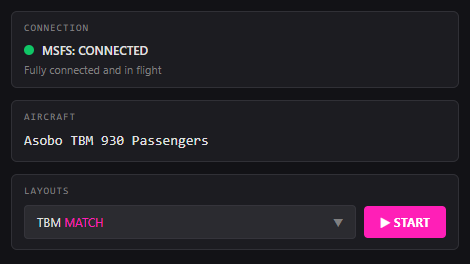
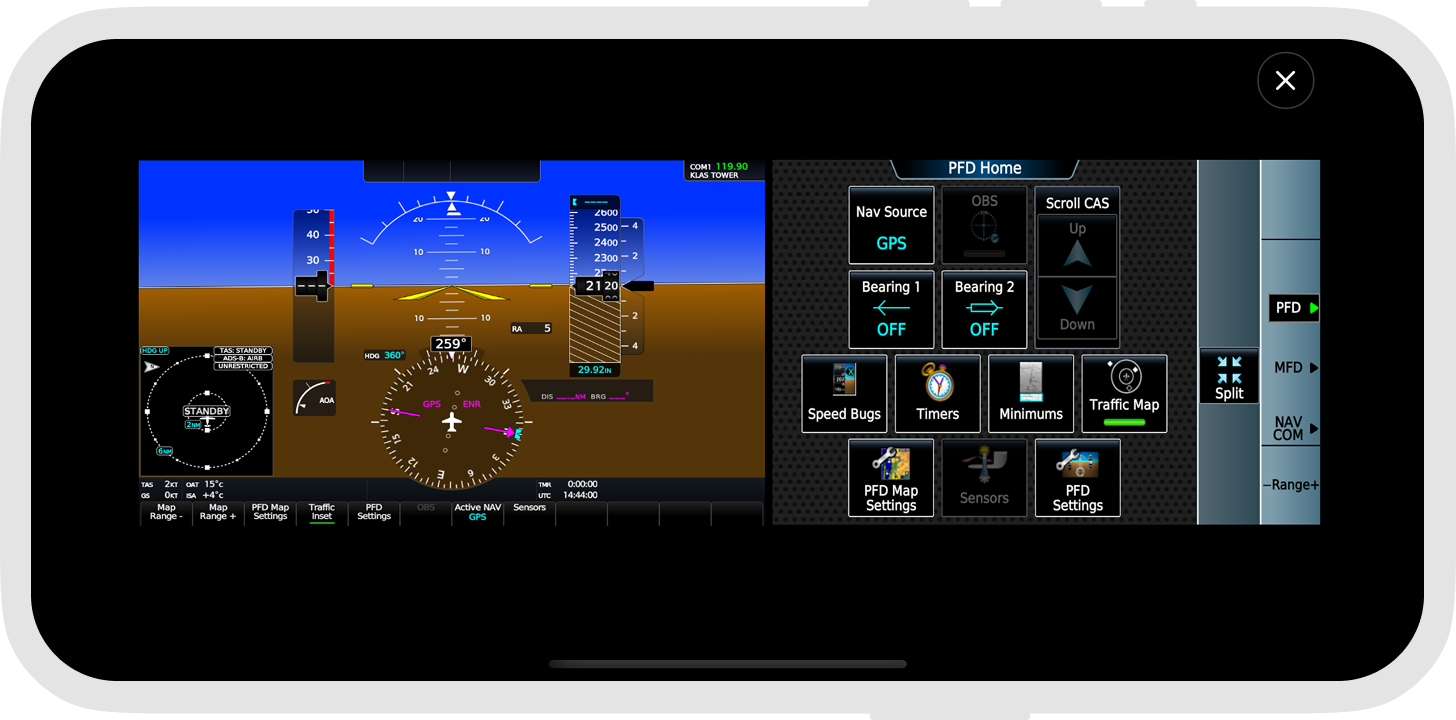
Just launch GlassOut PC app and fly. Panels are captured automatically — you never have to pop a single window out of the sim. Everything happens in the background.
Pixel-perfect capture
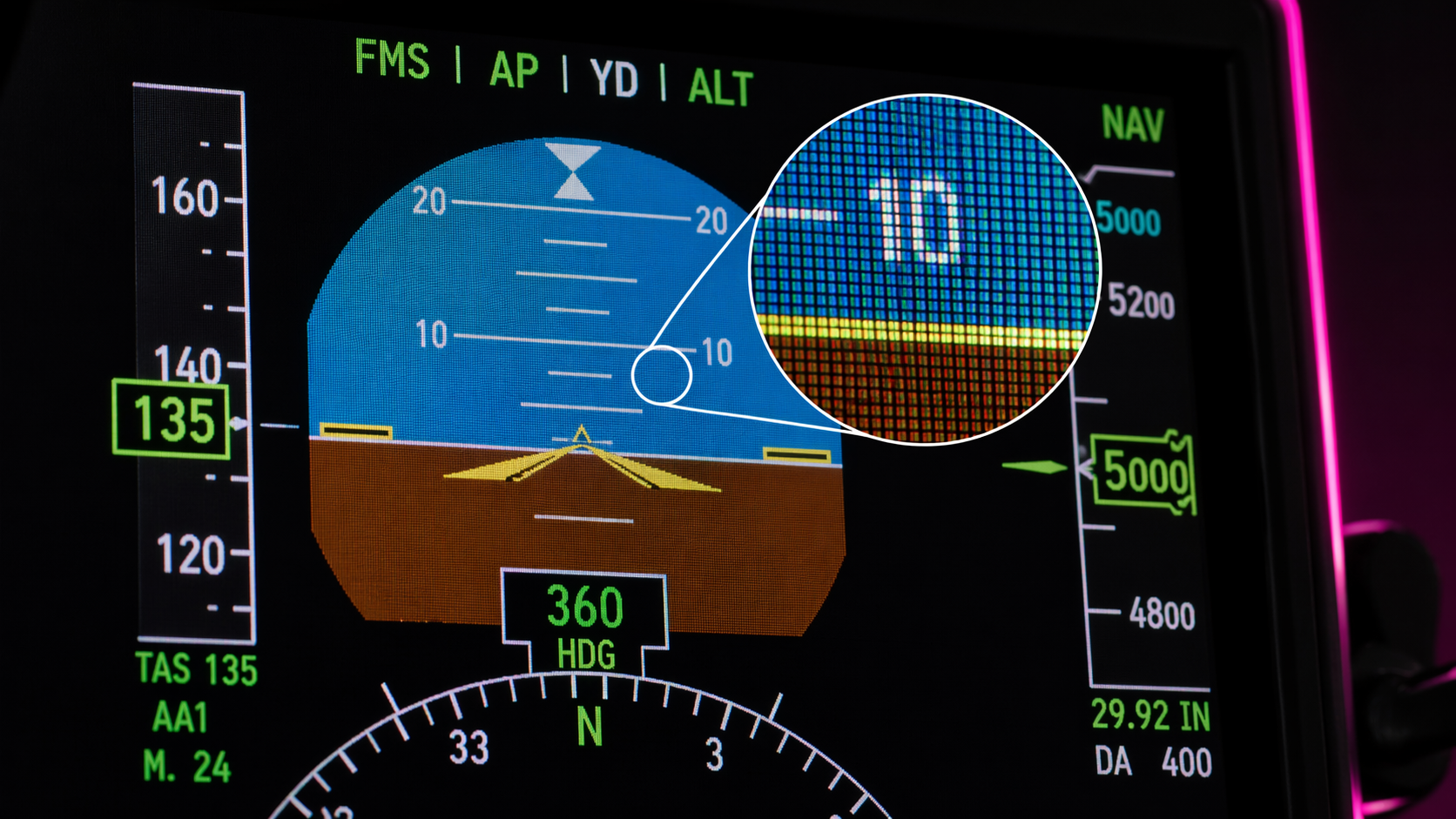
Panels are read straight from the sim as live DX12 textures — no OCR, no screen grabs, no compression artifacts.
Smart cropping
MSFS often renders multiple gauges into one atlas texture. Define crop areas and extract individual instruments with pixel precision.
Multi-display Run
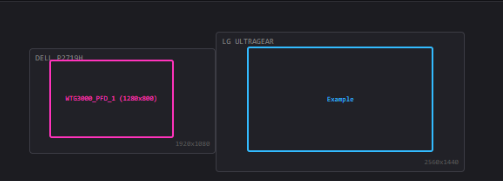
One click deploys borderless windows to exact pixel positions across every monitor. Perfect for hardware cockpit builds.
iOS & Android apps
Native companion apps for phones and tablets — lower battery, smoother streaming, and offline layouts.
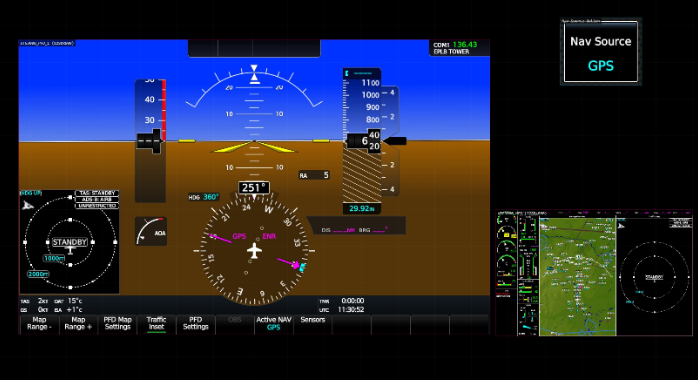
Custom templates
Compose panels and fragments onto template canvases to design the perfect instrument layout for any screen size.
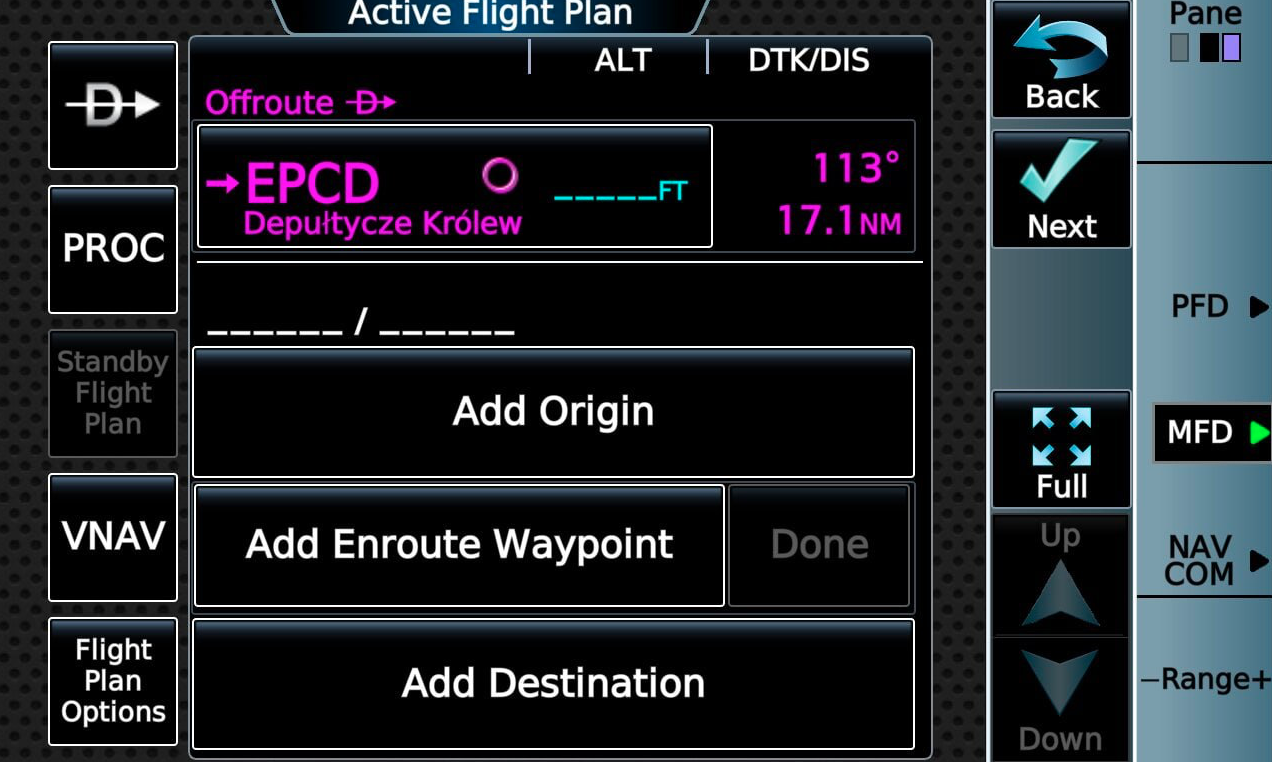
Touch panels stay touch
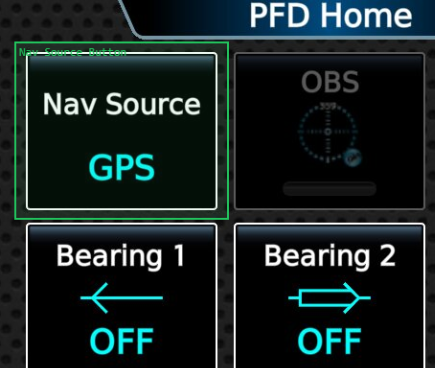
Tap an EFB or touch instrument on your tablet and it responds exactly like in the cockpit — GTN 750, G3000 GTC, every tap forwards to MSFS as a real click.
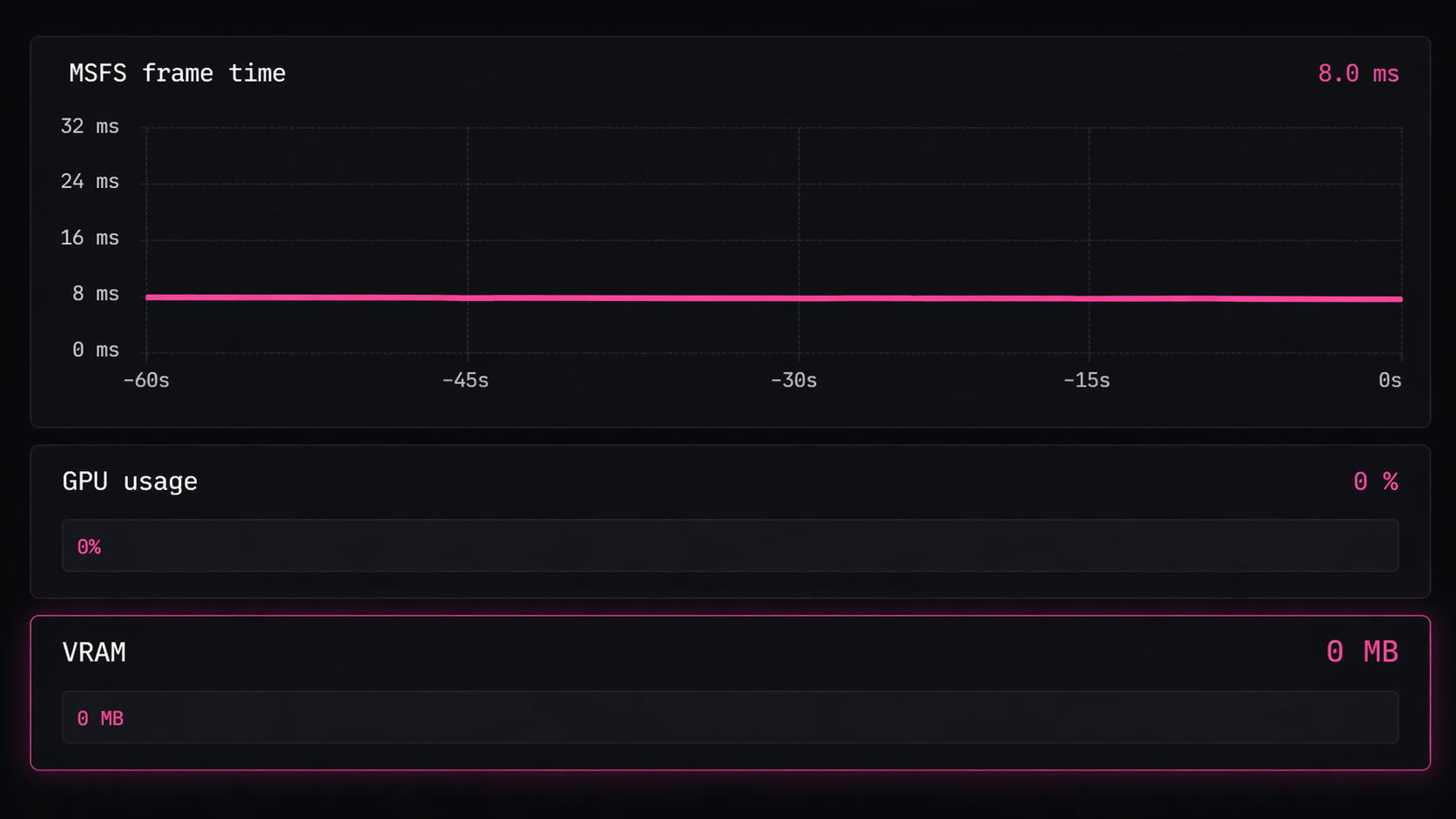
Zero perf impact
CPU-only JPEG encoding — no video encoder, no GPU hit, no VRAM usage. Same smooth sim on a 3090 or an Intel iGPU.
Developer API
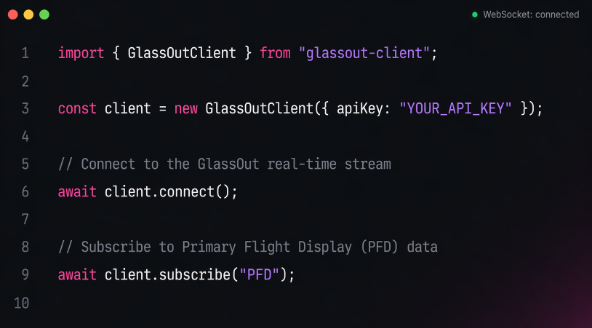
HTTP + WebSocket API lets third-party apps push profiles, fetch streams, and embed viewers in their own UIs.
Demo mode & licensing
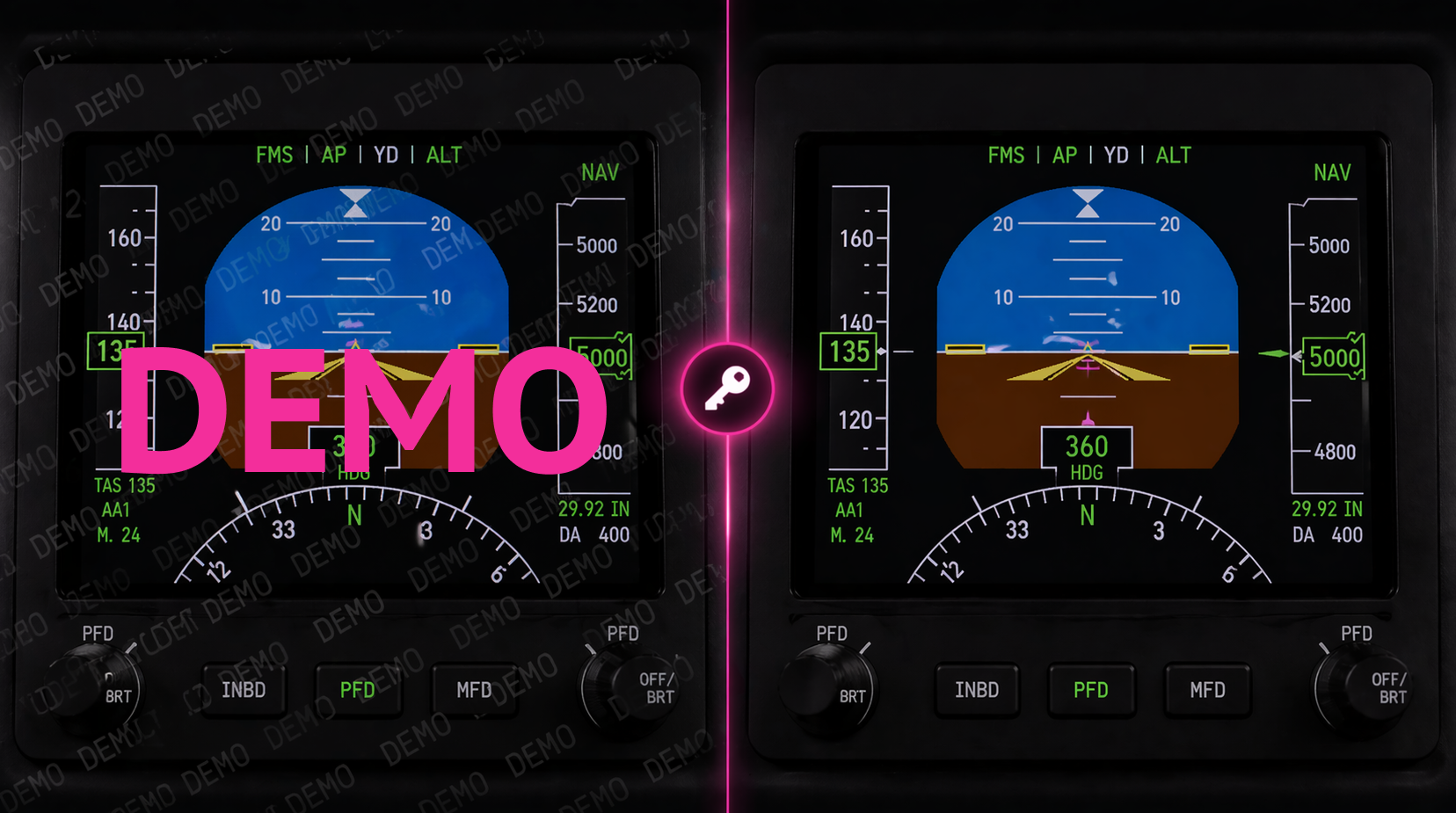
Try every feature free with a subtle demo watermark. One-time license purchase unlocks the full product forever.
From one PC to a full cockpit
Your panels follow you — a phone strapped to the yoke, a tablet on the kneeboard, an old monitor mounted below, or a full hardware build with six screens.
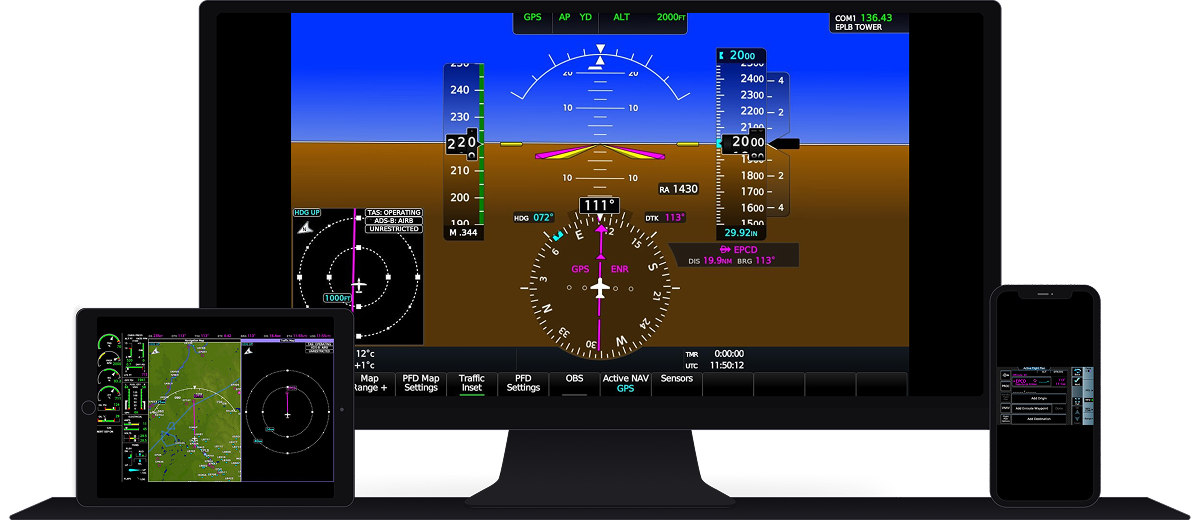
One engine. Every screen on your network.
Up and running in minutes
No driver installs, no SDK keys. Install the app, start your flight, and you're streaming.
Launch GlassOut PC app
Install, launch, and start a flight. GlassOut PC app discovers your panels automatically once you're in the cockpit — no pop-outs, no setup.
Build a profile
Pick the panels you want, crop individual gauges from atlas textures, and compose them into template canvases.
Deploy & stream
Hit Run in the GlassOut PC app. Borderless windows snap to exact positions across your monitors, and browsers on other devices go live.
One-time purchase. No subscription.
Buy once, use forever.
Heads up — GlassOut is in beta
Expect rough edges and the occasional bug while we polish things up. We're fixing reports fast and shipping updates often — every purchase during beta includes all future updates and a 14-day no-questions-asked refund.
Try Demo mode first to see how it works. Download GlassOut and run it without a license — every feature works exactly the same, the only difference is a repeating DEMO overlay on the panels.
Beta builds aren't digitally signed yet, so some antivirus software may flag GlassOut. If that happens, our antivirus & whitelisting guide gets you running in a minute.
GlassOut — Full License
One user, unlimited devices on your home network.
Limited-time beta pricing. One-time payment. No auto-renewals. Local taxes (VAT / sales tax) added at checkout where applicable.
Secure checkout by Creem. 14-day refund policy — no questions asked.
- Full panel capture for MSFS 2020 & 2024 (DirectX 12)
- Unlimited profiles, panels, fragments, and templates
- Multi-display Run with pixel-perfect layouts
- Low-latency LAN streaming to unlimited devices
- iOS & Android companion apps
- Developer API for third-party integrations
- All future updates for this major version
- Priority email support
Prefer to try first? Download the demo — every feature works with a subtle watermark.
Frequently asked questions
Something else on your mind? Open the docs or get in touch.
Does it require popping out of the sim?
No. Just start GlassOut and fly — panels are copied straight from the sim in the background. You never have to pop a window out of MSFS manually.
Which MSFS version and graphics API are supported?
GlassOut supports Microsoft Flight Simulator 2020 and Microsoft Flight Simulator 2024 running on DirectX 12. DirectX 11 is not supported — make sure Options → Graphics → Graphics API is set to DX12.
Will it impact my sim performance?
Capture runs asynchronously on the GPU and only at the rate panels actually change. There is no video encoder and no VRAM usage — expect zero to negligible frame-rate impact on a modern system.
Do I need a separate server or account?
No. GlassOut runs entirely on your PC and streams over your local network. No cloud, no account required for the base product.
Can I use it with a hardware cockpit?
Absolutely — that's one of the core use cases. The Run feature deploys borderless windows to exact pixel positions across every monitor, so physical cockpit builds just work.
Is there a mobile app?
Yes — native iOS and Android apps ship alongside the desktop app on launch day for a smooth, low-battery experience on phones and tablets.
Is this a subscription?
No. One-time purchase, lifetime license, includes all updates for this major version.
Ready to upgrade your cockpit?
Download GlassOut on your PC and grab the companion app for your phone or tablet — free demo mode, no account required.
Feel free to reach out anytime
Bug report, feature idea, or just saying hi — pick the channel that suits you and you'll get a reply.

Independent flight simulation developer behind Cabby, LiftBox and other MSFS tools. GlassOut is a one-person labour of love — drop a line if you run into anything, have a feature request, or just want to say hi.
contact@flyingart.devBuild on the GlassOut engine
The same engine that powers the desktop app is a documented API. If you're shipping an MSFS add-on, a home-cockpit controller, or a custom EFB, you can pull live panels straight out of the sim with a few lines of code.
WebSocket protocol
Subscribe to per-panel JPEG streams, push profile updates, observe engine state — all over a single connection.
HTTP API
Drop-in HTML viewers at /panel/{id}, ad-hoc compositor URLs, status, and cooperative shutdown.
TypeScript SDK
The same npm package GlassOut uses internally. Discovery, auto-spawn, reconnection, and typed events.